

























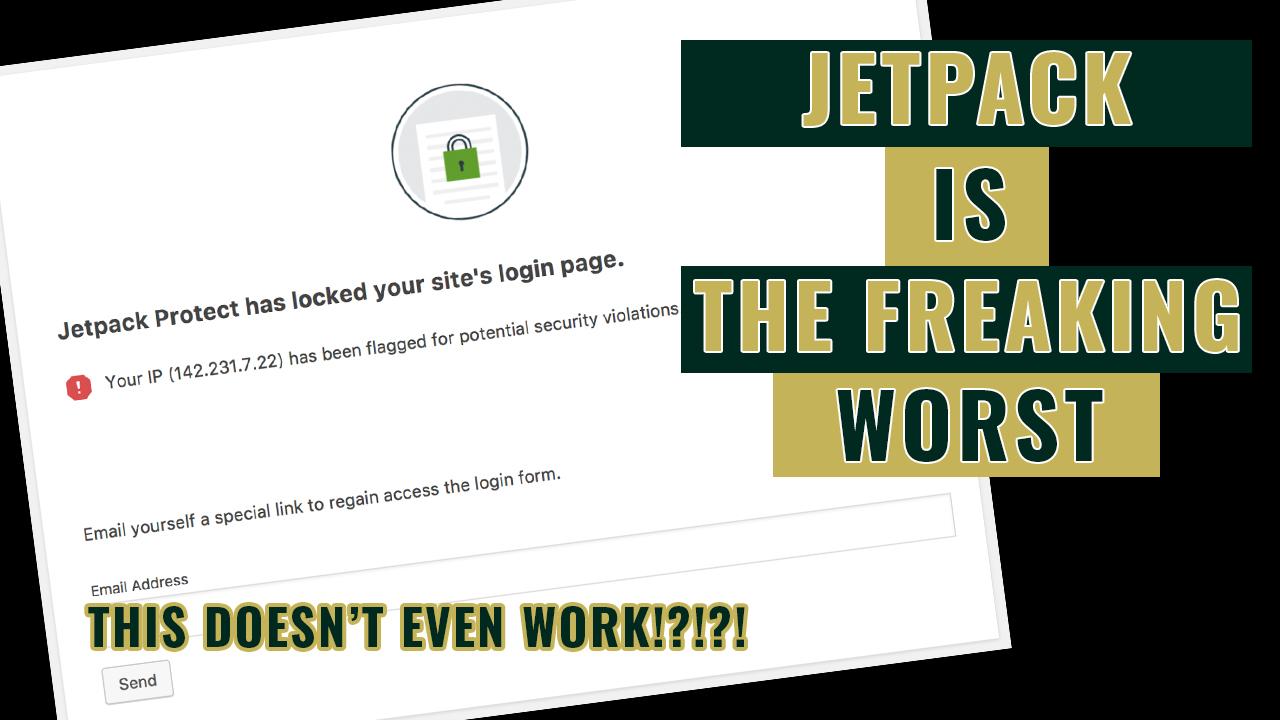
What can be done if Jetpack locked you out of your WordPress website? That is a question I found myself facing earlier this week for another one of my websites. This development came completely out of the blue and was startling to say the least. Not because I was worried about the site, mind you. No, I was irritated that Jetpack had given itself power to do this in the first place.
This stupid WordPress plugin comes pre-installed via most website hosting providers. Despite probably never selling a single subscription to anyone, it’s constantly there bothering you in the admin panel. However, most people, myself included, keep the free version around due to a combination of laziness and hopefulness the complimentary security features work.
Chances are those features are useless. And even if they did, what good are they if you can’t access your site? Don’t worry, there will be more ranting in a bit. But for now, let’s look at what you can do if Jetpack has locked out of your WordPress website.
Also Interesting: If AFK Arena and Lilith Games are legit, why don’t they have a Wikipedia page?
What to do if Jetpack locked you out of your WordPress website
The issue of what to do if Jetpack locked you out of your WordPress website is that the plugin gives you no way to contact a person and the recovery system is broken. Seriously, this is more annoying than that loser in the Bosley Hair commercial yelling at you for no reason. You have been booted from your own site despite never giving Jetpack permission to do any such thing.
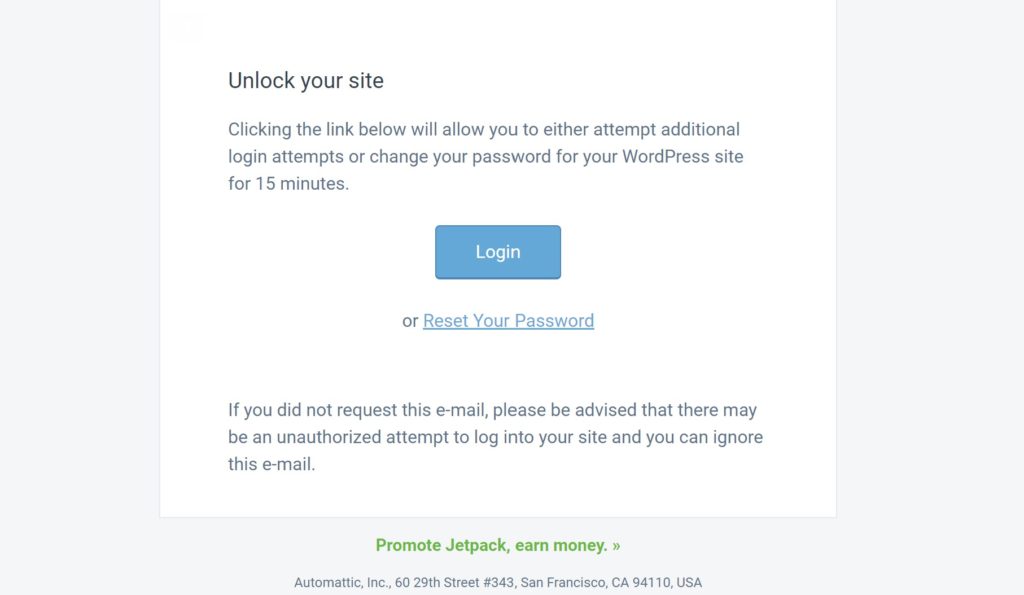
Unfortunately, the aforementioned retrieval system to unblock your website does not function…like at all. Maybe once every ten tries it will actually send you a recovery email. But then when you log-in using that link, it doesn’t work, and you get kicked back out to the lockout screen.
Also, don’t bother trying different IPs with a VPN. Jetpack will just claim the same thing is happening. By the way, that makes no freaking sense. How is every IP in the world part of this?
Anyway, here is what to do if Jetpack locked you out of your WordPress website. First, you need to log-in to your hosting provider. From there, go to manage site and select the one that has been impacted by these shenanigans.
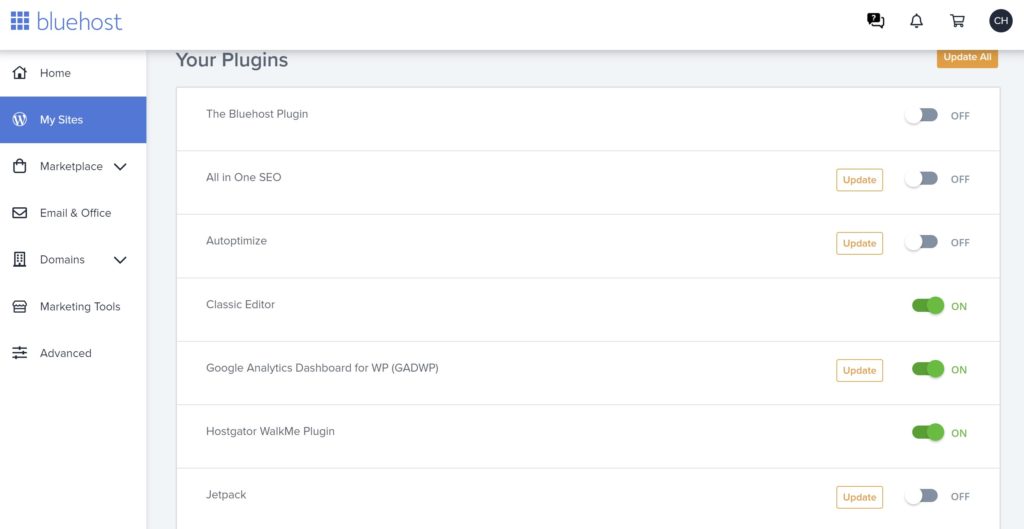
The next steps vary depending on your hosting provider. For example, Bluehost has a section called “plugins” where you can turn off Jetpack and reenter the site as normal. Others will require you to go into the “File Manager”. Once there, click on public_html and then locate wp_Content. All the plugins will be listed here, and you just need to right-click on Jetpack to deactivate this stupid, stupid thing.
Jetpack can go eat it
No one has given Jetpack permission to lock them out of their own website regardless of the security involved. Hell, I didn’t even know that it was possible until it happened. And judging by other people’s reactions on various forms across the internet, no one did.
But what really grinds my gears is the fact you have no way to reach Jetpack about this at all. They have purposely made sure no one can be contacted if this problem arises. And the information they provide on resolving the issue is non-existent. I’ve never seen anything so utterly ridiculous. Strike that. I have.
Jetpack has the audacity to promote its affiliate marketing program at the bottom of the broken email the company sends out to “restore” access to your site. Kudos to you, Jetpack. Nothing like relying on the scummiest, grossest marketing method (I’m looking at you Commission Hero) to sell your scam product. Seriously, they can go eat a fat one.
More Non-Sense: Dr. Alan Mandell is not a doctor, he’s a chiropractor giving out bad medical advice